The asset register and asset diagram
The Asset Register lists the assets in scope for the organisation’s assessments. The Diagram shows the same assets as a map of how they connect.
Counters and filters
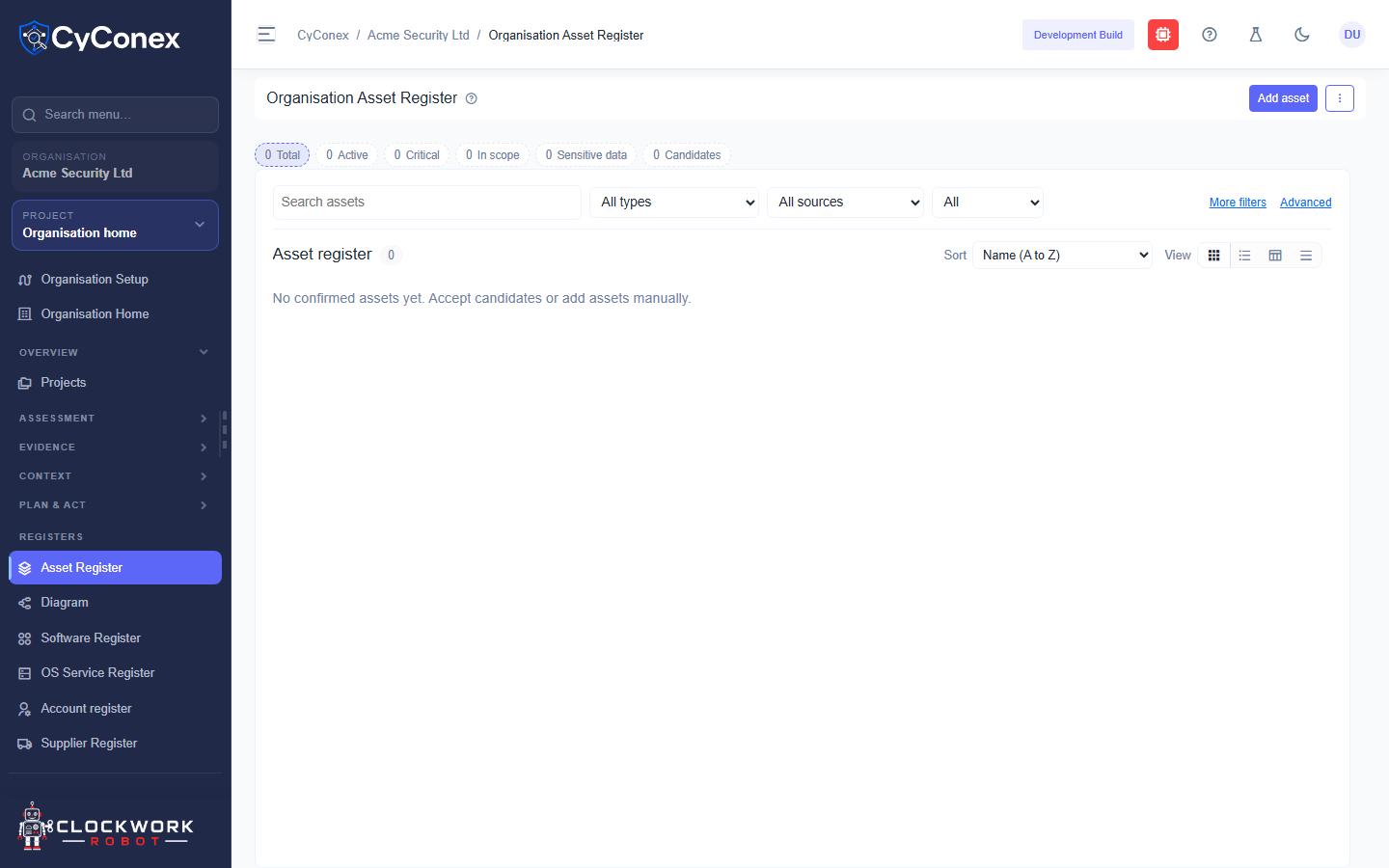
Section titled “Counters and filters”The counters show the Total number of assets, and how many are Active, Critical, In scope, Sensitive data, and Candidates. Filter the list by type, source, or status. Use Add asset to record one by hand.
A new register says No confirmed assets yet. Accept candidates or add assets manually.
The asset diagram
Section titled “The asset diagram”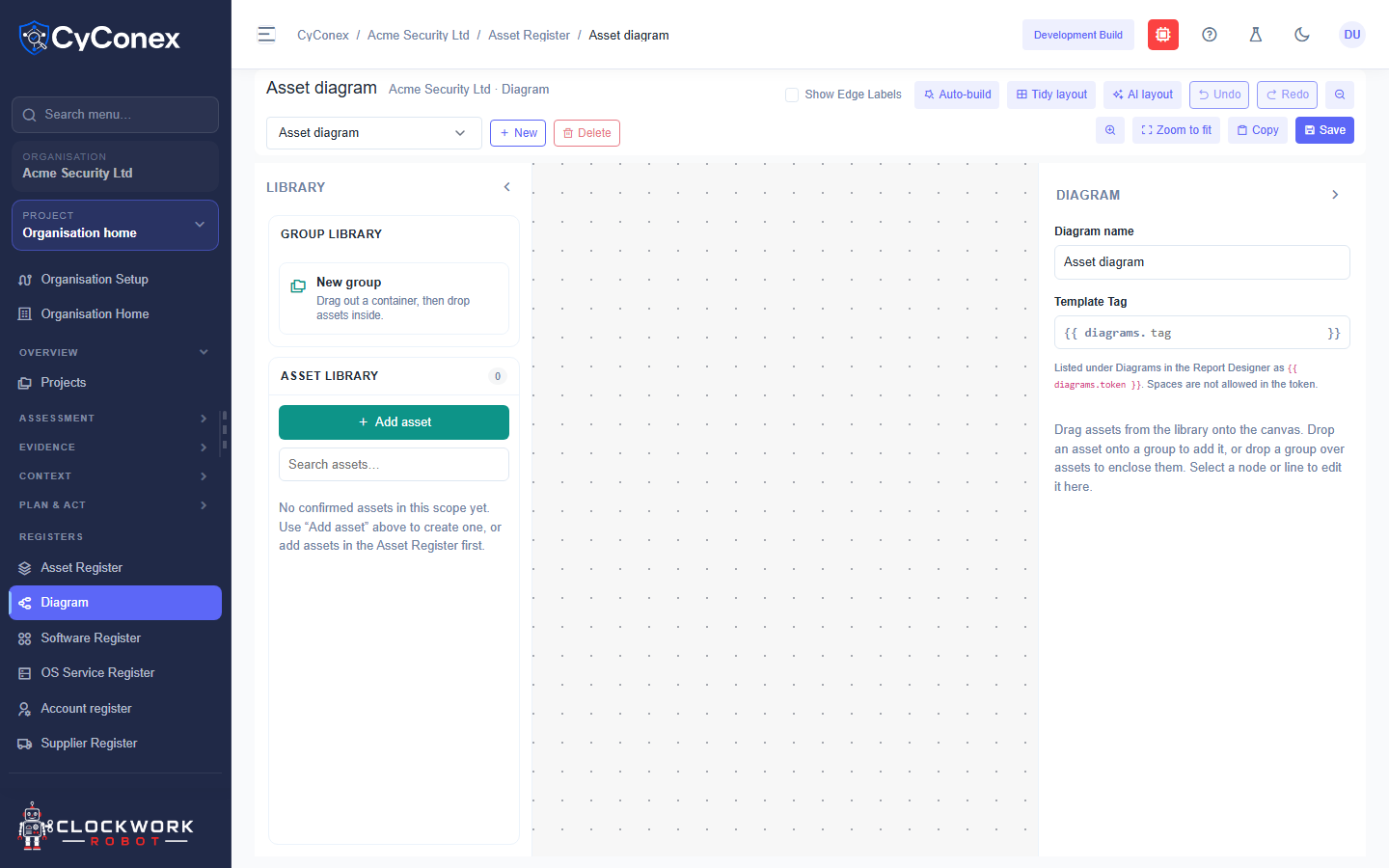
The diagram toolbar includes:
- Show Edge Labels, a checkbox that displays labels on connections.
- Auto-build, Tidy layout, and AI layout to arrange the diagram.
- Undo and Redo, Zoom to fit, Copy, and Save.
- New and Delete, with a list to choose which diagram you’re editing.
The diagram needs an organisation or project in context. If none is selected, it asks you to select one.