The project home page
The Project Home page is the starting point for a project. Select Project Home under Overview in the sidebar to open it.
What’s on the page
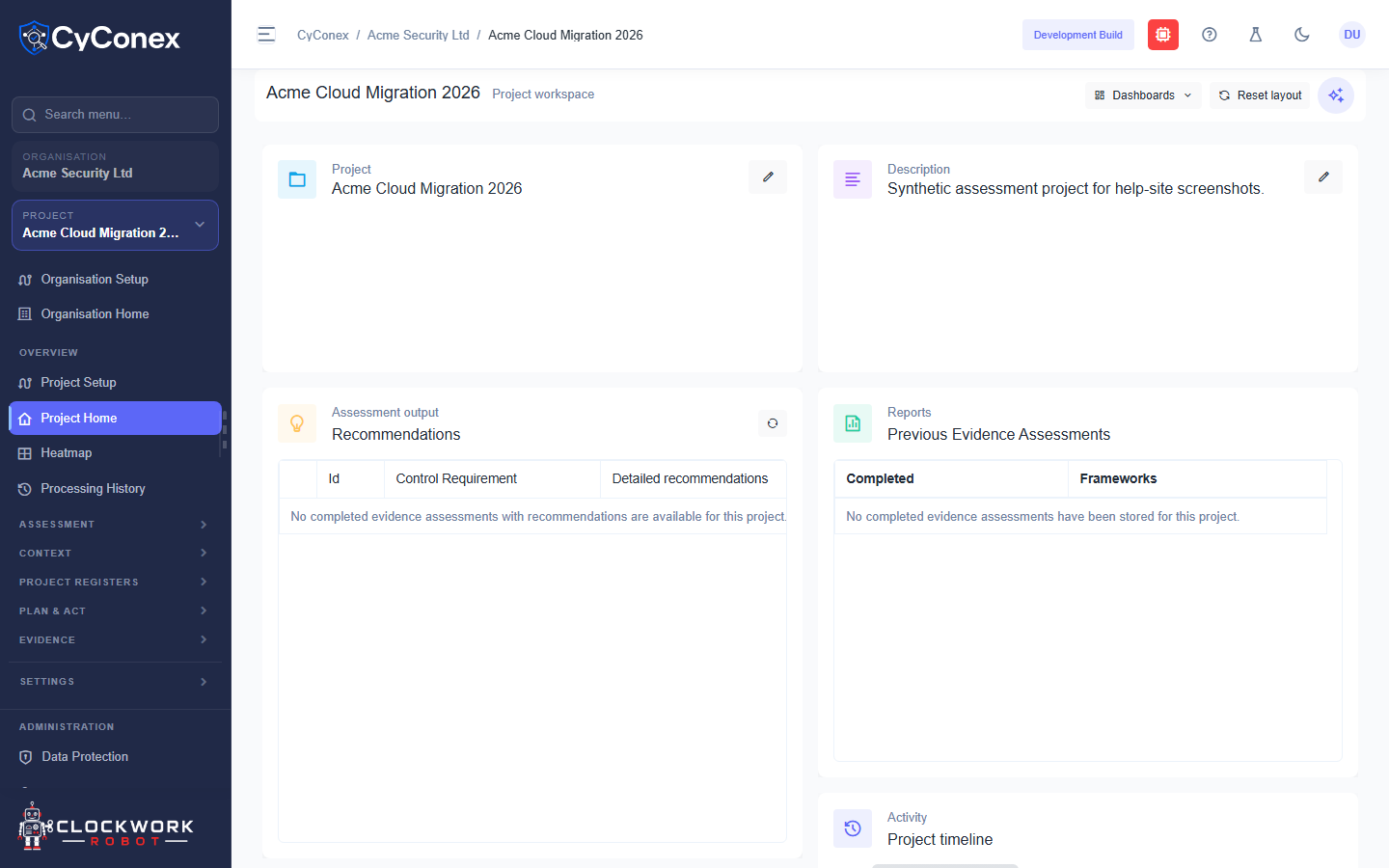
Section titled “What’s on the page”- Project: the project’s name, and its description at the top right.
- Recommendations: actions suggested by completed evidence assessments. Each row shows the control requirement and the detailed recommendation.
- Previous Evidence Assessments: completed assessments for this project, with the frameworks they covered. Until an assessment completes, this shows that none have been stored.
- Project timeline: a record of activity in the project.
Arrange the page
Section titled “Arrange the page”Use Dashboards to switch between dashboards, and Reset layout to return the cards to their default arrangement.
While the layout loads, the page shows Loading dashboard layout…. A new project shows empty recommendations and assessments. They fill in after you run an assessment.