The to-do board
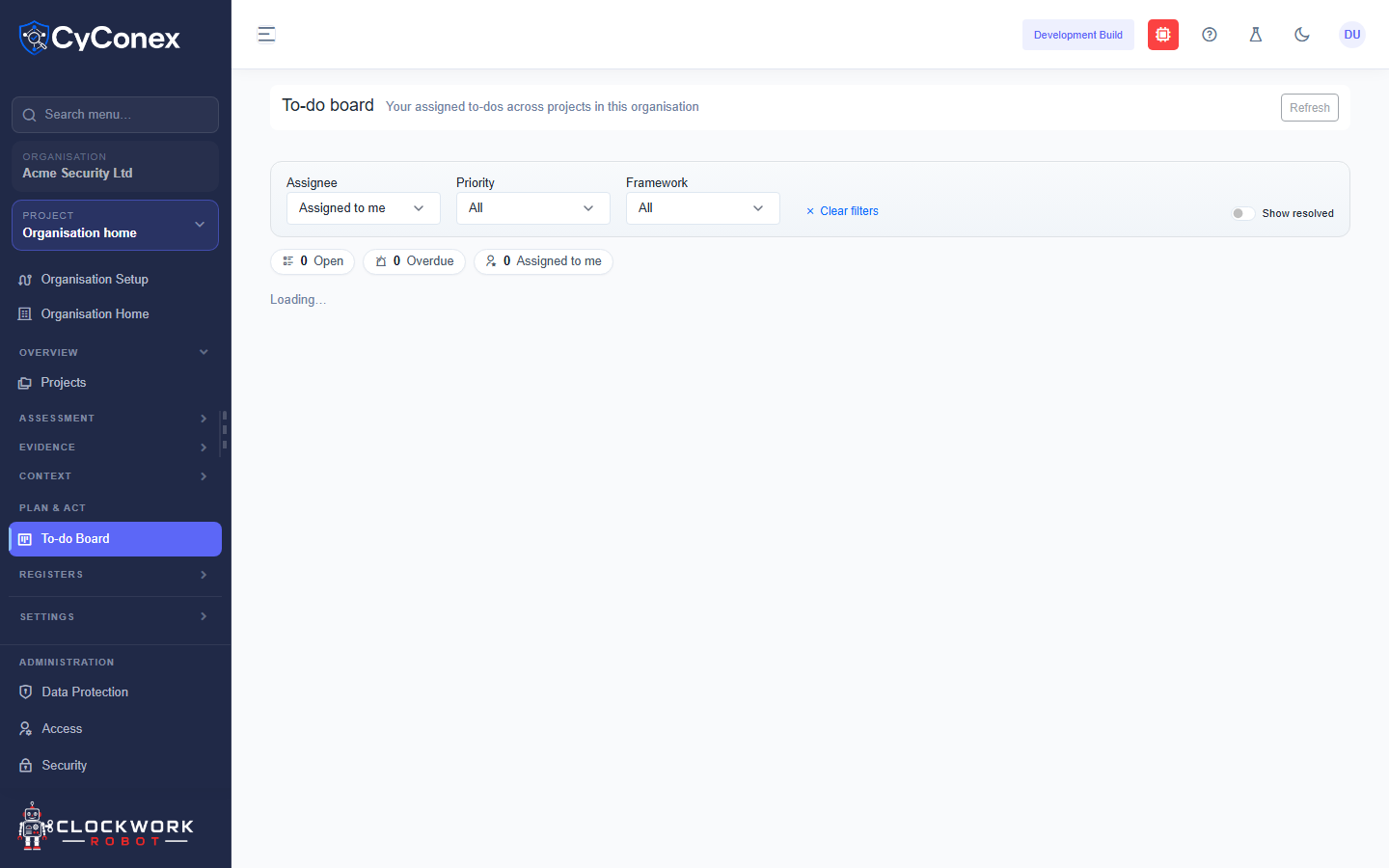
The To-do board shows the to-dos assigned to you across the projects in the organisation. It works as a board, with a column for each status.
The columns
Section titled “The columns”- Unassigned
- Backlog
- In progress
- On hold
- Completed
Each column shows how many to-dos it holds. Cards with a priority show it as an accent colour, and overdue cards are highlighted.
Filter the board
Section titled “Filter the board”- Assignee: defaults to Assigned to me.
- Priority and Framework narrow the board. Clear filters resets them.
- Show resolved includes completed to-dos.
Above the columns, the counters show how many to-dos are Open, Overdue, and Assigned to me.
Use Refresh to reload the board after changes made by someone else.