Uploading evidence
Evidence is the documents that show your controls are in place: policies, procedures, reports, and records. CyConex reads each document, and matches it to the controls it supports.
Where evidence lives
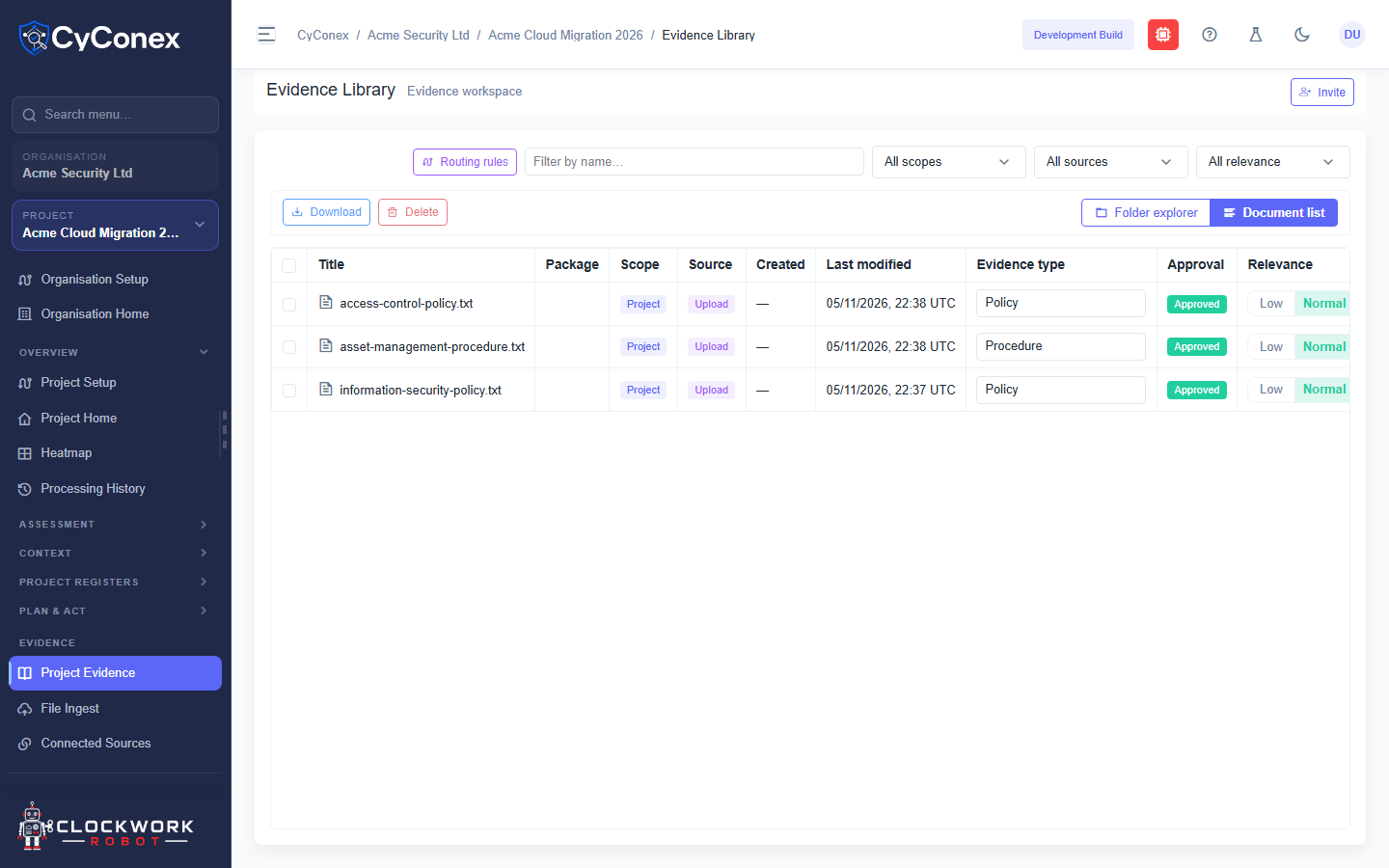
Section titled “Where evidence lives”The evidence library shows documents by organisation and project. Use Folder explorer to browse folders, or Document list to see every document in one table.
The Project Evidence page lists the documents in the current project. Switch to Document list to see them in one table, with each document’s type and approval status.
Upload a document
Section titled “Upload a document”- In the sidebar, open Evidence, then select File Ingest.
- Drop the file into the upload area, or choose it from your computer.
- Complete the capture details, described below, and submit.
- CyConex processes the document. Track its progress on Processing History.
Supported file types include Word (.docx), PDF (.pdf), and plain text (.txt). CyConex skips files it can’t read and reports them.
The capture details
Section titled “The capture details”Before a document is accepted, CyConex asks for these details. Each one is required unless noted:
- Title and description of the document.
- Evidence date: the date the evidence was produced. It can’t be in the future.
- Valid until: optional. If given, it can’t be before the evidence date.
- Evidence owner: the person responsible for the document.
- Control focus: at least one control from a framework in the project. This is what the document is matched against.
- Classification: public, internal, confidential, or restricted.
- Retention: how long the document must be kept, such as until superseded or for a set number of years.
- Attestation: confirm the document is complete and unaltered.
If a detail is missing or invalid, CyConex stops the upload and tells you what to fix.