Signing in for the first time
Before you start
Section titled “Before you start”- Your organisation administrator must have created an account for you.
- Use a current version of Edge, Chrome, or Firefox.
Sign in
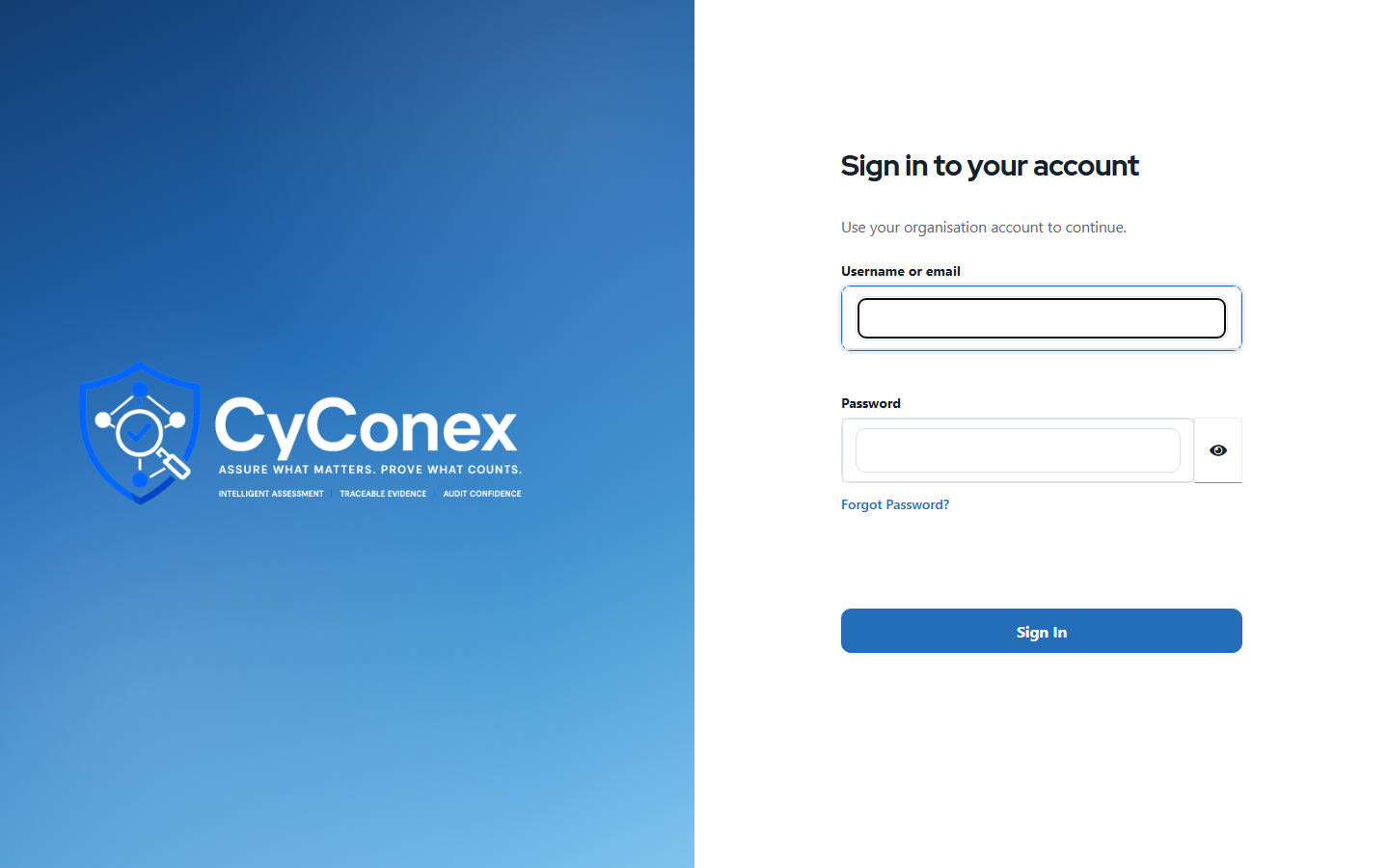
Section titled “Sign in”- Open the CyConex address your administrator gave you.
- On the sign-in page, enter your username or email address and your password, then select Sign In.
- If your organisation requires an authenticator code, you’ll be asked for it after your password.
Accept the terms
Section titled “Accept the terms”The first time you sign in, a Welcome to CyConex window shows the terms and conditions. Read them, then select Accept. The window closes and the application opens. You only need to do this once.
Find your organisation
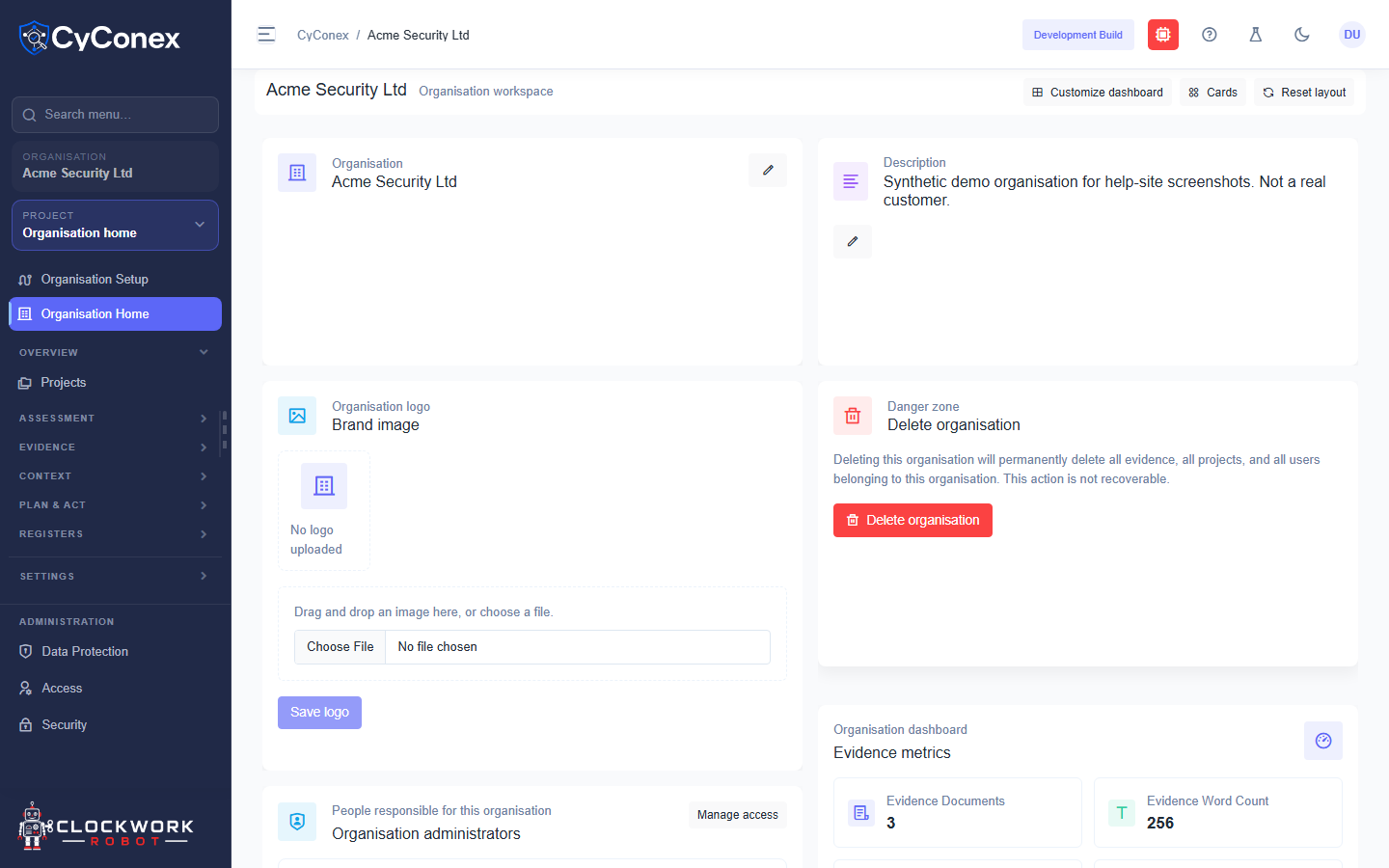
Section titled “Find your organisation”After you accept the terms, the home screen lists the organisations you belong to under Organisations. Select an organisation to open its workspace, then choose a project from the Projects list.
If you can’t sign in
Section titled “If you can’t sign in”- Wrong password: check the password, then ask your administrator to reset it if needed.
- No organisations listed: your account may not have been given access yet. Ask your administrator to add you to an organisation.
- Still stuck: contact your organisation administrator, who can check your role and access.