Connected sources
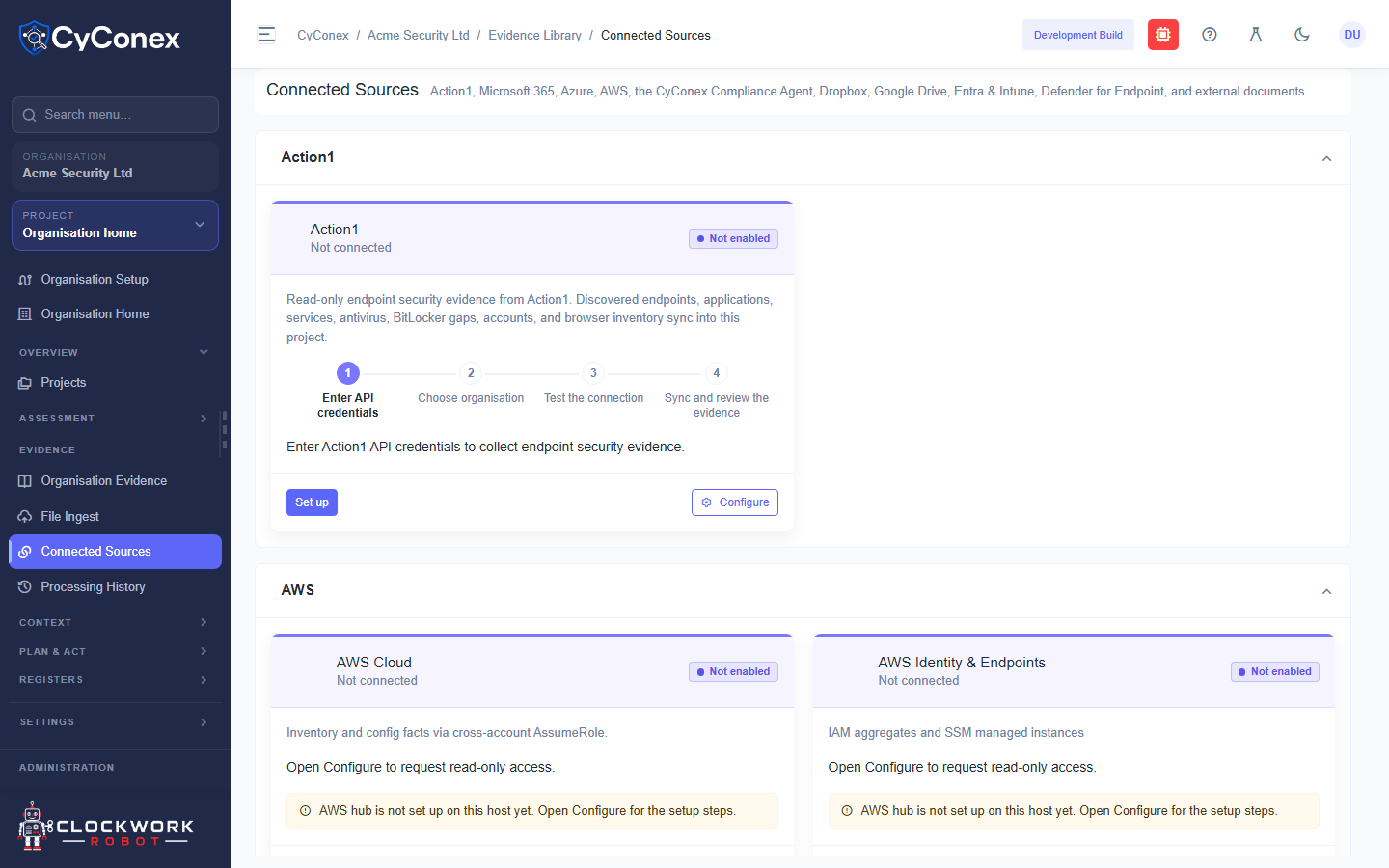
Connected Sources lists the systems CyConex can read evidence from, such as Action1, Microsoft 365, Azure, AWS, the CyConex Compliance Agent, Dropbox, Google Drive, Entra and Intune, and Defender for Endpoint.
Connection status
Section titled “Connection status”Each source card shows its status:
- Not connected means no connection has been made.
- Not enabled means the source is switched off for the organisation.
Select Set up to start a connection. Setup has four steps: enter the API credentials, choose the organisation, test the connection, then sync and review the evidence. Select Configure to change an existing connection.